Version 3
Client asked to keep the headline and change the date to 12 May.
For small agencies juggling client feedback
Proofroom / Research concept
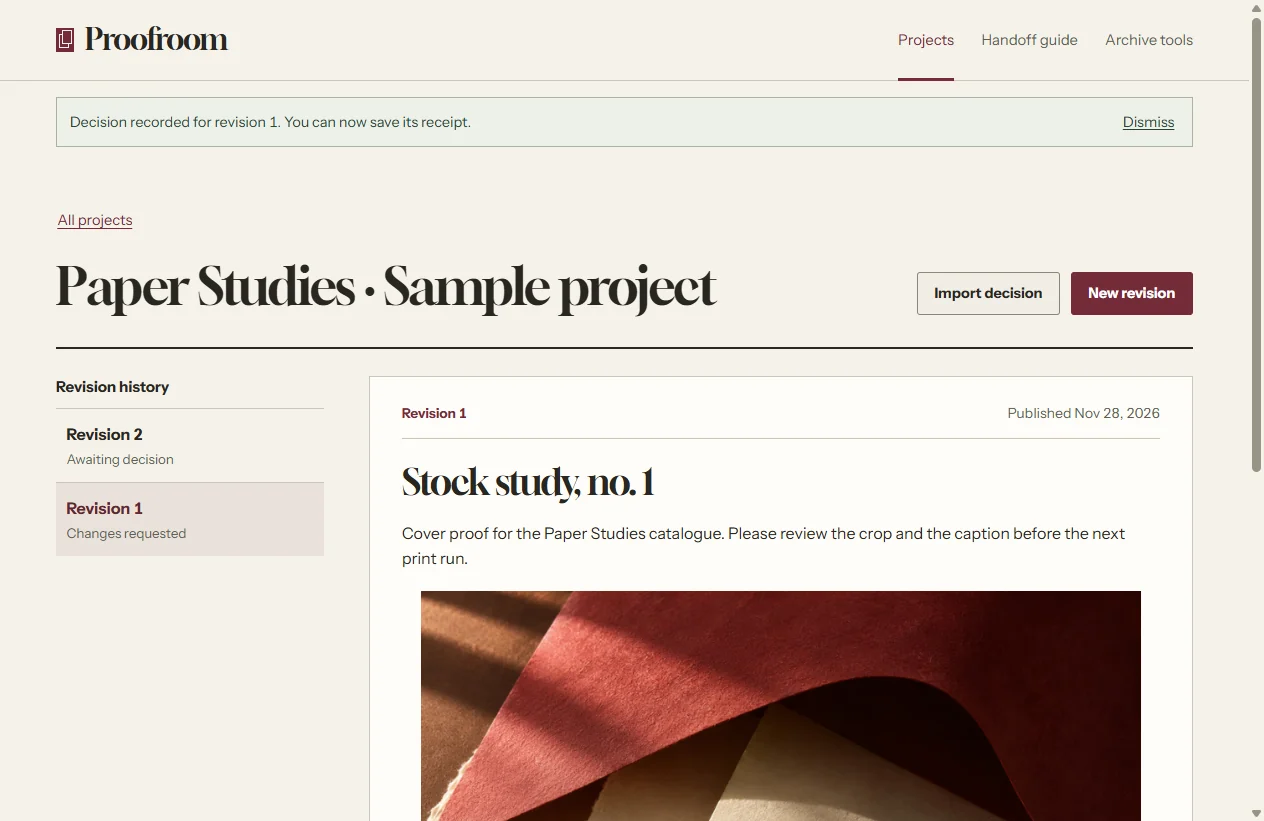
Proofroom is a Windows app for creative studios. Send a numbered draft for review and keep the client’s feedback or approval with that exact version.
See which draft the client reviewedProofroom · Product walkthrough
Real app screenshots using fictional examples. Open a screenshot for a closer look.
No. Each revision needs its own decision. This is a Windows studio workflow with offline file exchange, not verified identity or a digital signature.
Fictional example
Client asked to keep the headline and change the date to 12 May.
The date is now 12 May. There is no recorded response to this version.
Your answer is checked on this page. It is not saved or sent. No uploads or contact details are accepted.
It is the exact draft a client is asked to check before work goes out. A marked-up flyer or a PDF with the new artwork can both be proofs.
In the example workflow, the studio sends a review file for one numbered draft. Say what to check, who should decide and when you need the answer. Use the offline review guide to prepare a handoff.
Keep their reply with the old draft. Ask for a fresh decision on the current one and don’t record it as approved until the client has seen it.
No. This public preview uses fictional artwork and decisions. It does not accept uploads, verify who approved a file or provide a digital signature.